
The AI creative toolkit
What today's image, video and upscaling tools do well, where they fall short, and how to prompt for the shot you pictured.
Half-day AI video workshop · Al Quoz, Dubai
Hand AI any video, yours or a client's, from a phone or a cinema camera. Get back finished edits, a week of short posts and a way to turn the views into clients.
Book your seat
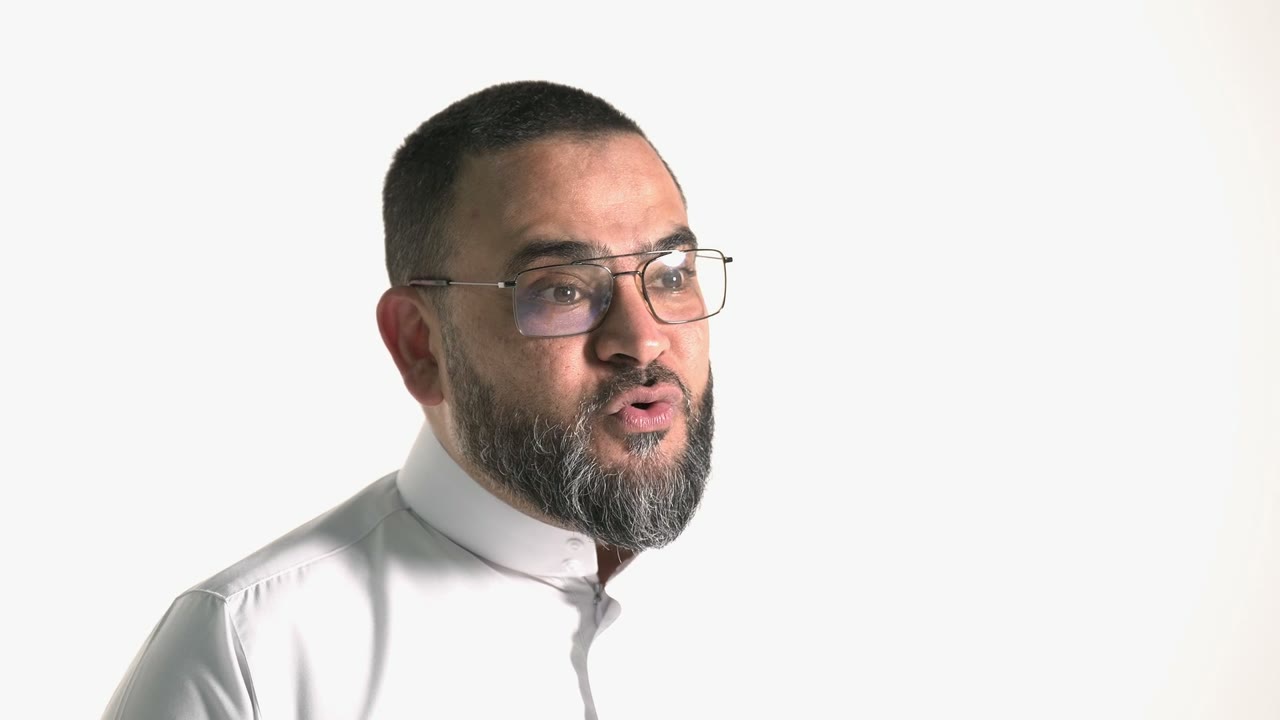
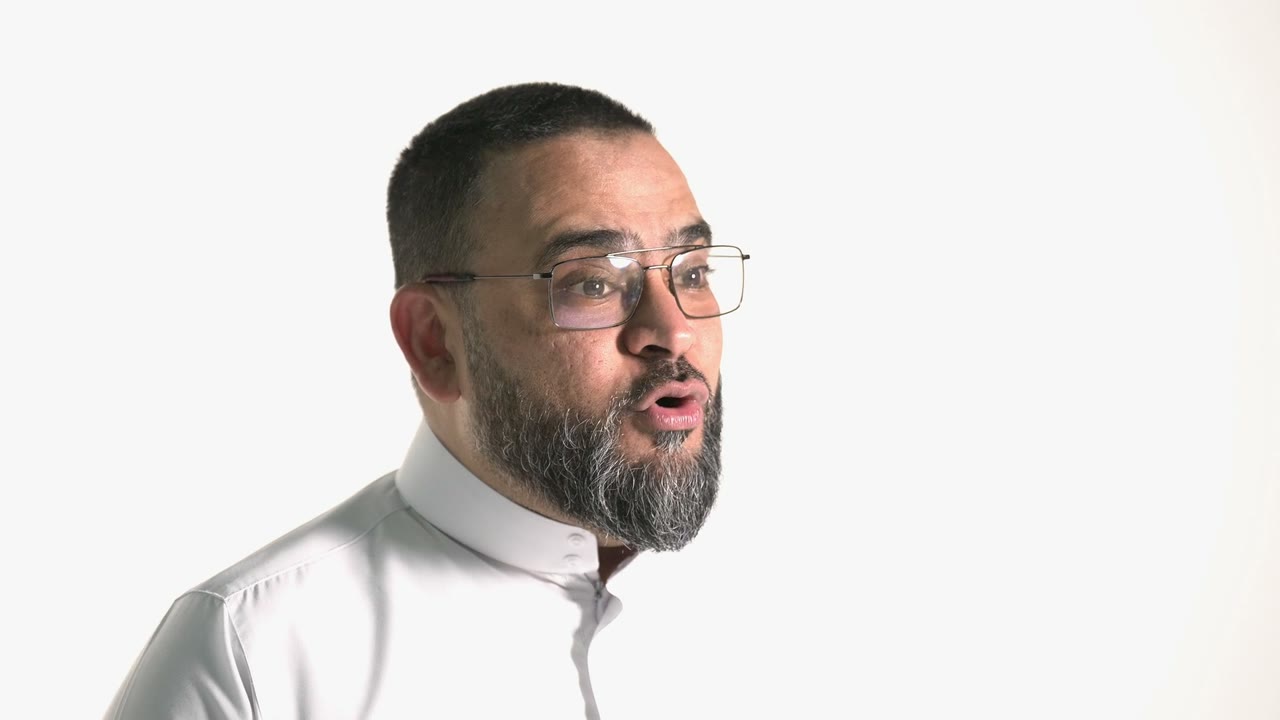
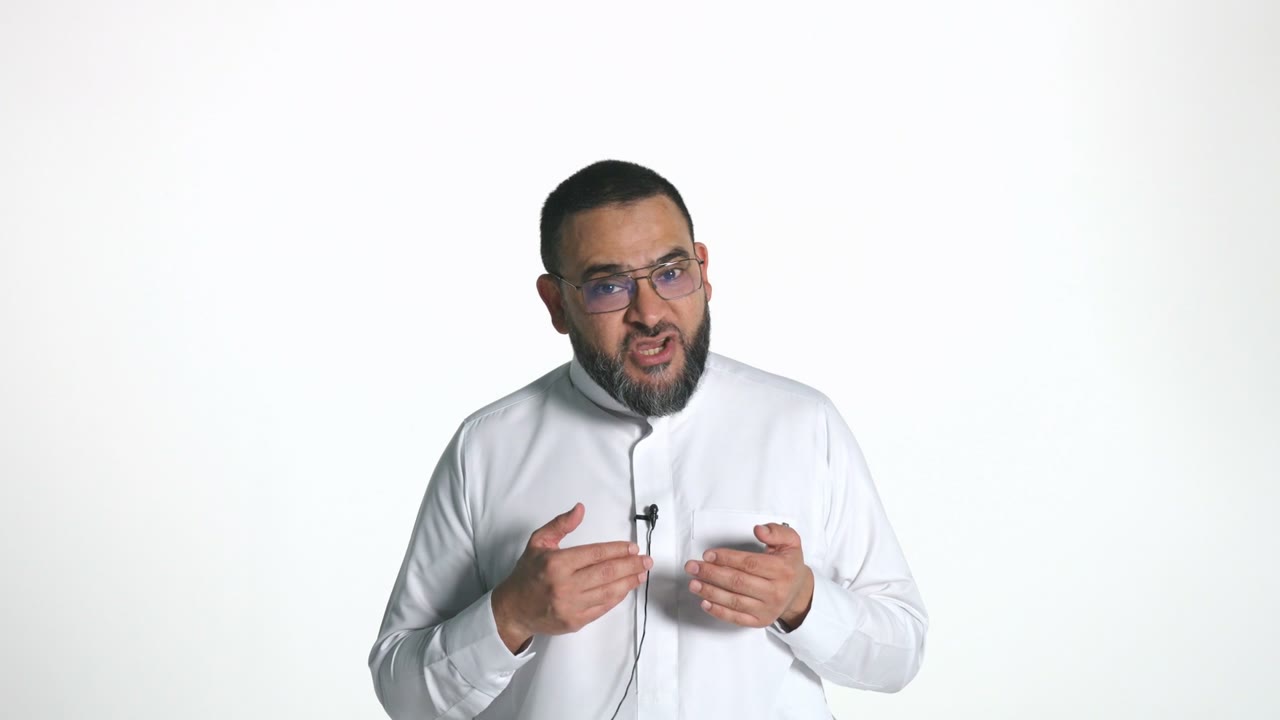
See the result
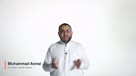
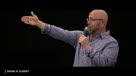
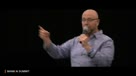
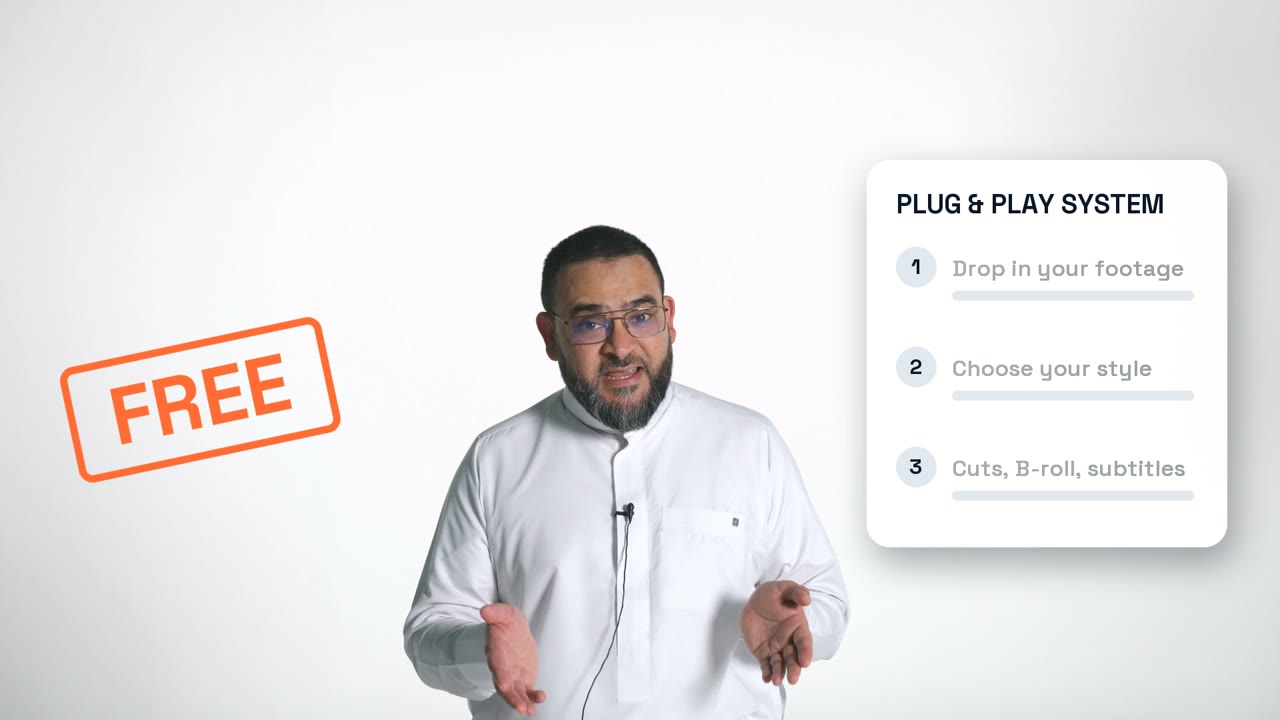
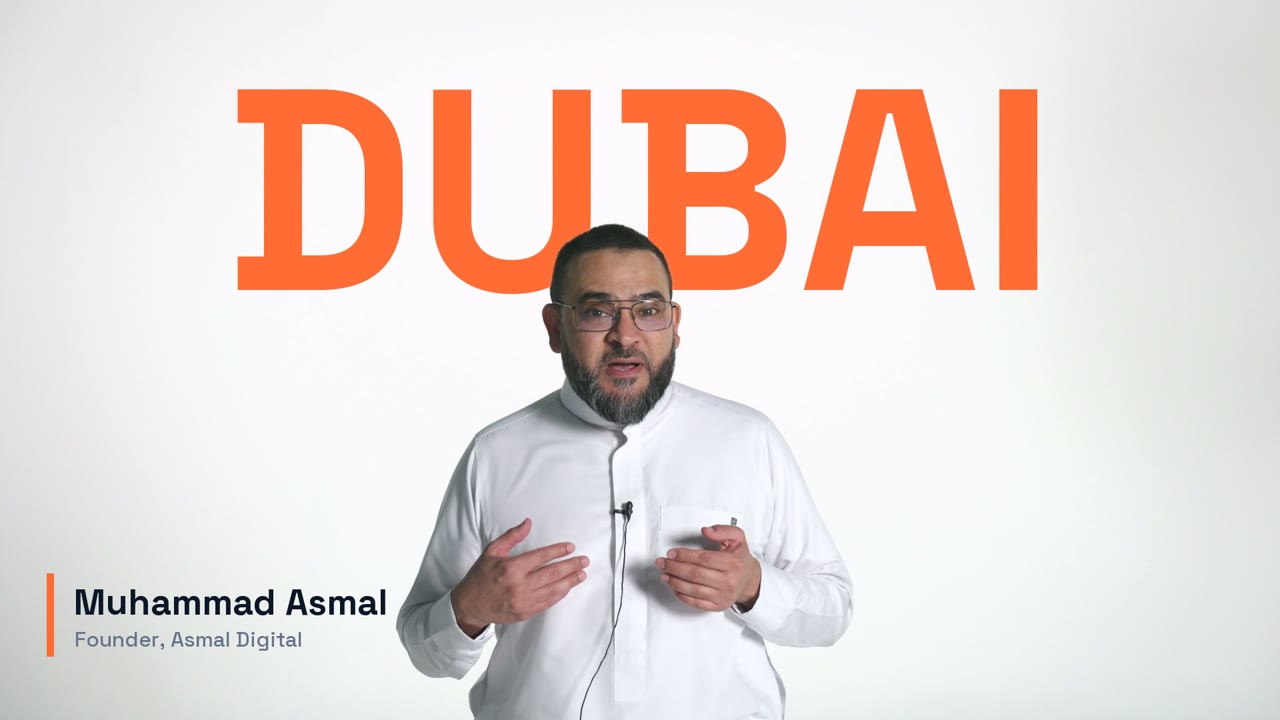
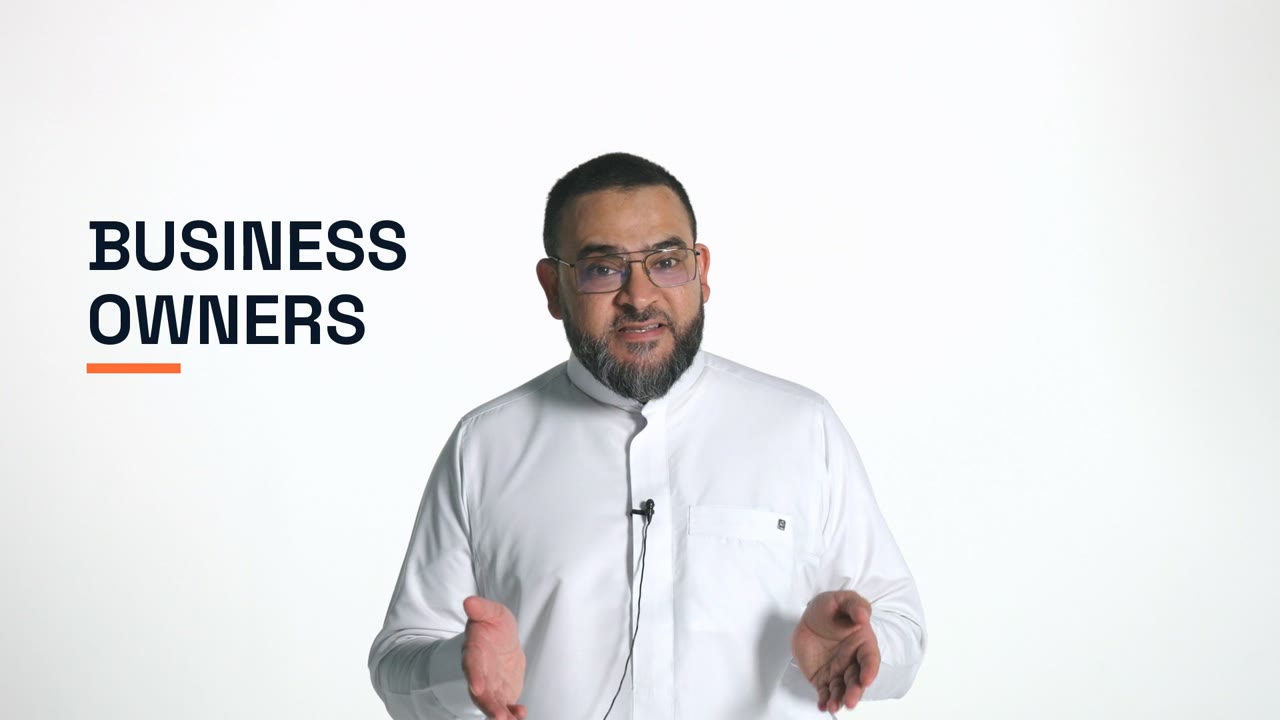
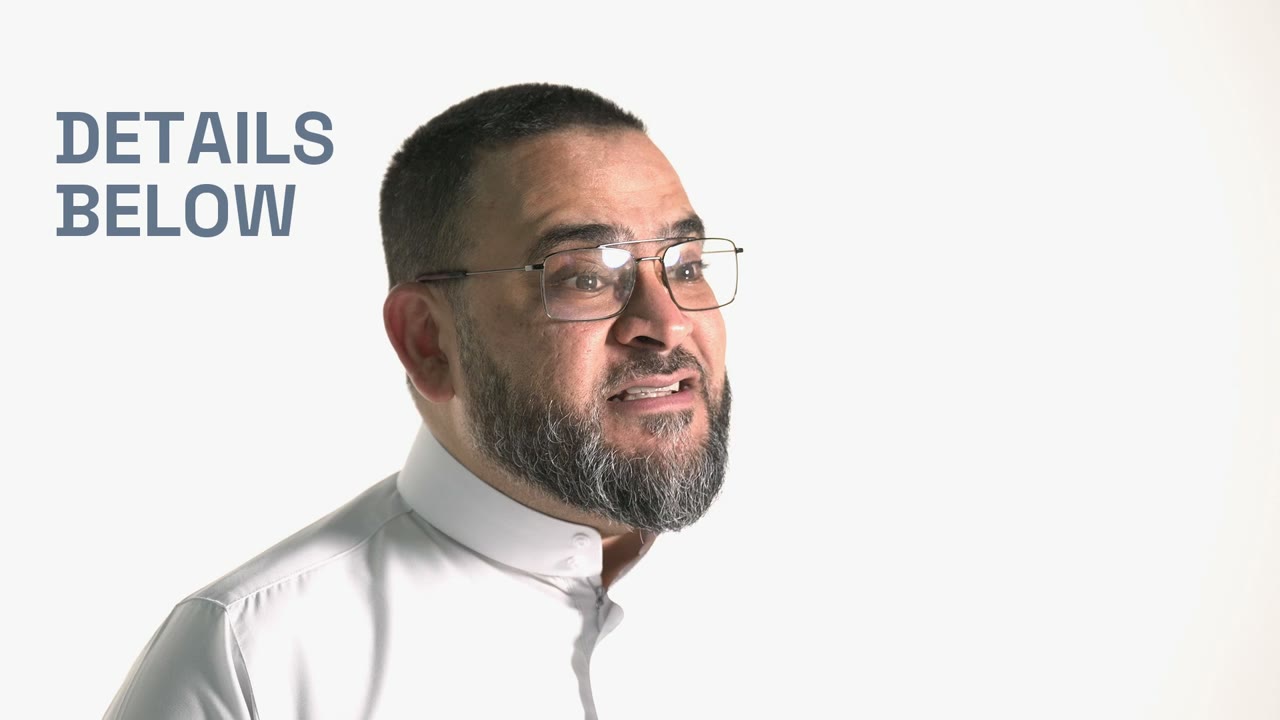
This is the promo for this workshop, edited from two camera angles with the AI workflow you take home. Retakes and pauses cut, the best angle picked for each line, B-roll and motion graphics added, colour graded and the voice cleaned up. It is the kind of edit the workshop teaches.
The idea
Most AI workshopsstop at the prompt.This one followsa video all the way.
Any recording, start to finish. Edited by AI, cut into short posts and wired to bring people to you. You see every step happen, and you leave able to run it again on the next video, and the one after that.
For videographers, photographers, editors, creators and business owners who edit video, their own or their clients'.
The edit bay
Any video: a phone clip filmed at home, a client's project, a webinar or an interview.
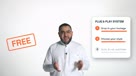
AI takes out the double-takes and dead air, then adds layout, B-roll and captions.
One longer video becomes a set of short vertical clips, each with its own caption.
A viewer comments a keyword, gets your guide in their DMs, and you get the lead.
The programme
Each session builds on the last, from raw footage to a lead in your inbox, then the playbook to do it all again.
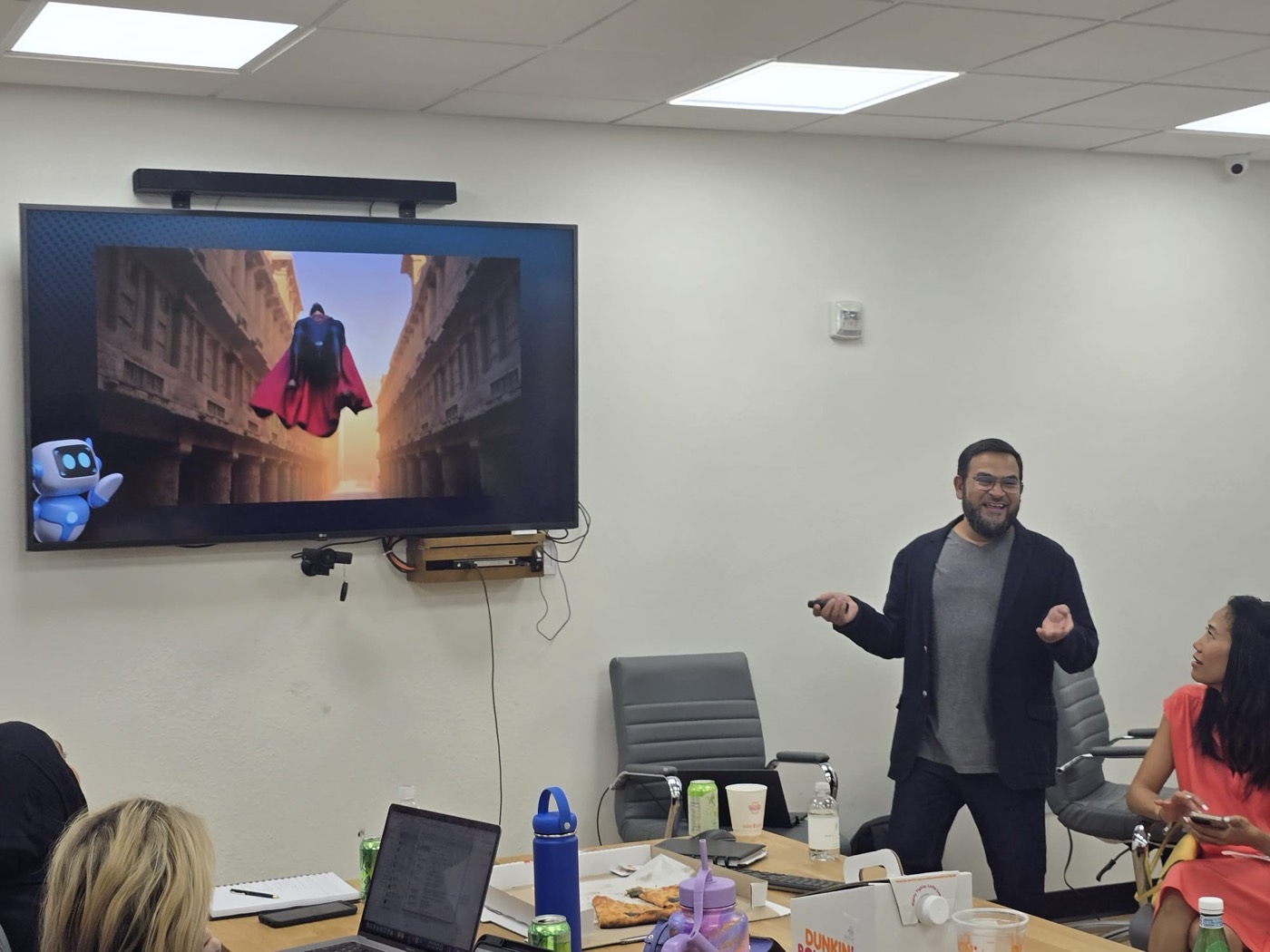
What today's image, video and upscaling tools do well, where they fall short, and how to prompt for the shot you pictured.
Yours or a client's, from a phone or a cinema camera. What makes a recording edit well, and how to prepare it for the workflow.
Set up before the day and you run the AI editing workflow on your own laptop. If not, you follow along live.
Turn one longer video into a batch of short clips and the captions to post them with.
Map a comment-to-DM funnel for your own account, so the people who watch can ask for more and reach you.
Walk through the playbook, so you can install the plugin and run the whole workflow yourself every week.
After this half day
What you take home
The only requirement
Pro or higher. That is all you need to run the plugin.
Two ways to take part
Follow our setup steps, sent a week before. In the room, you run the editing workflow on your own laptop.
Watch every step run on screen. You still leave with the plugin and the playbook to set it up afterwards at your own pace.
Bring your laptop and a video you want edited.
The venue
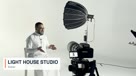
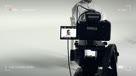
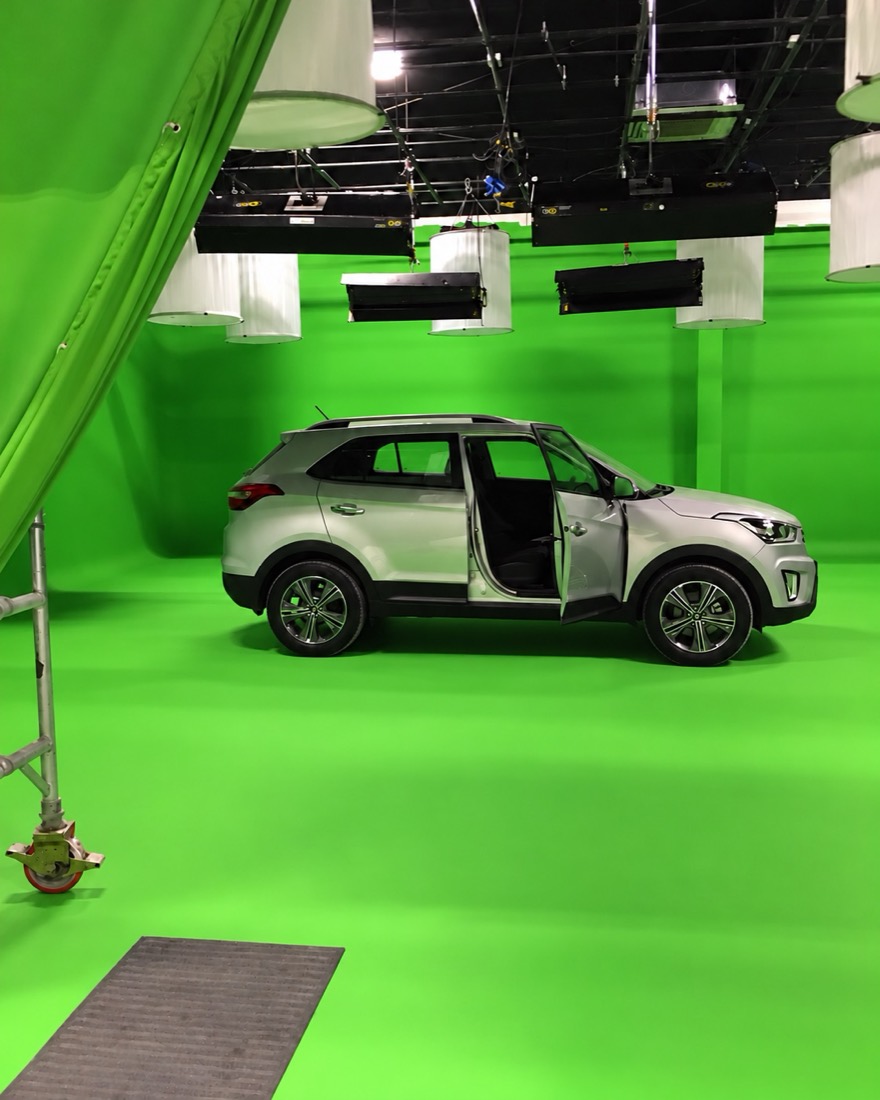
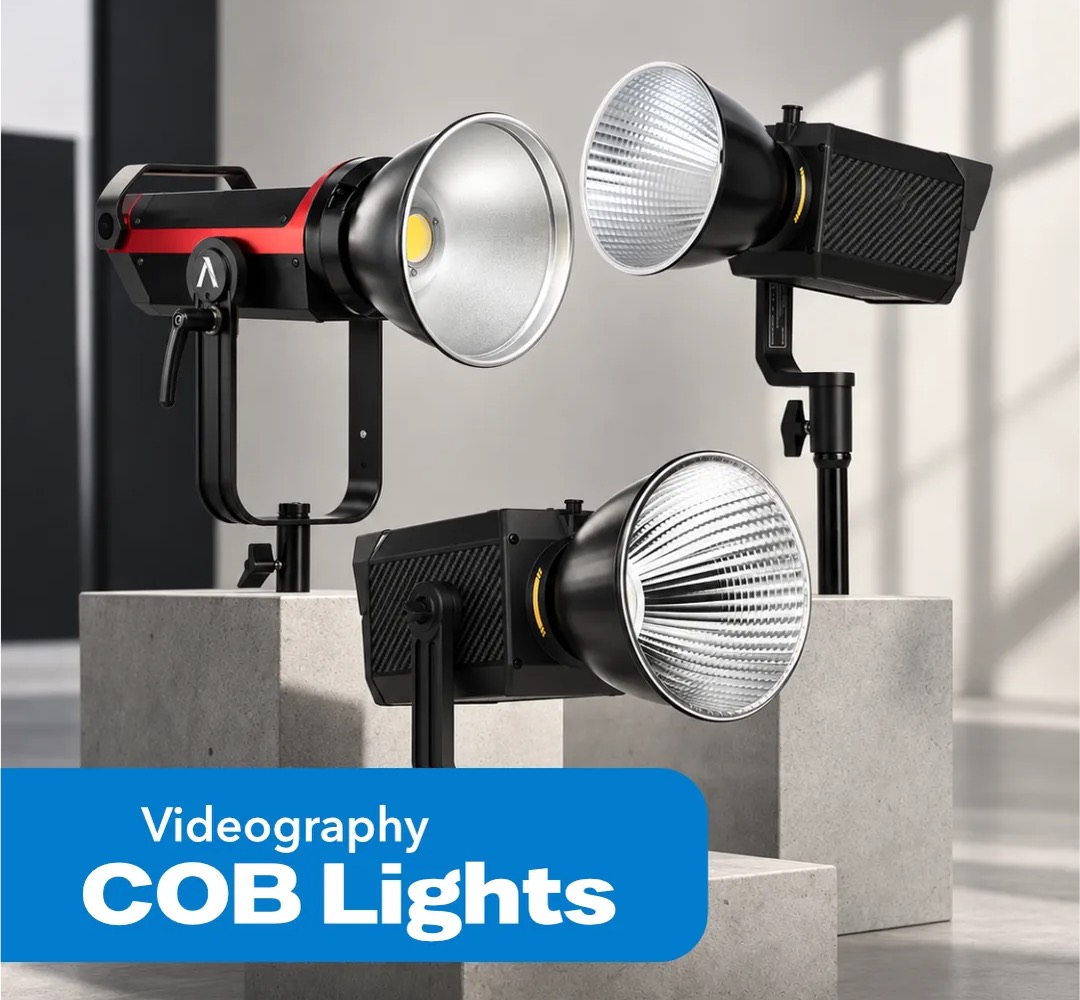
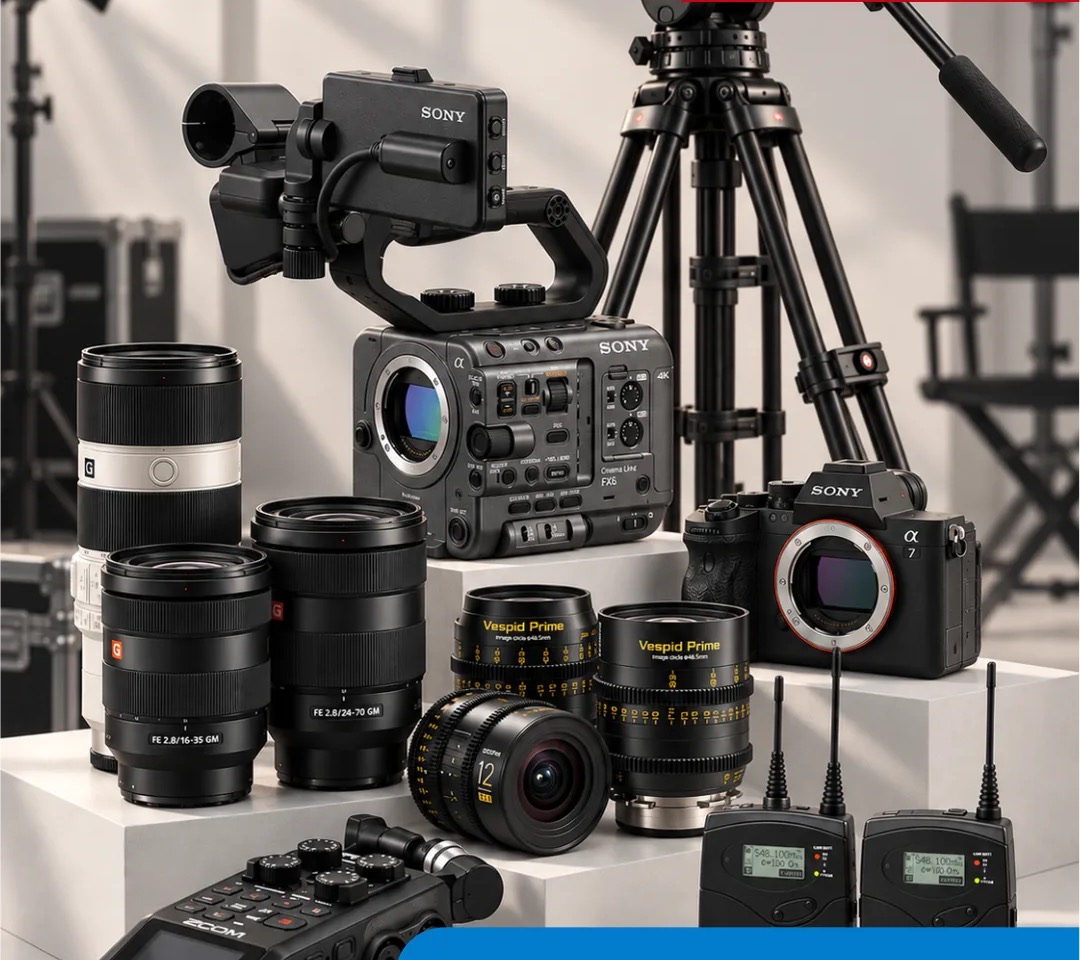
A working photo and video studio in Al Quoz 3, Dubai, and a fitting room to learn how AI is changing the edit. Bring your laptop and your footage. Free parking on site.
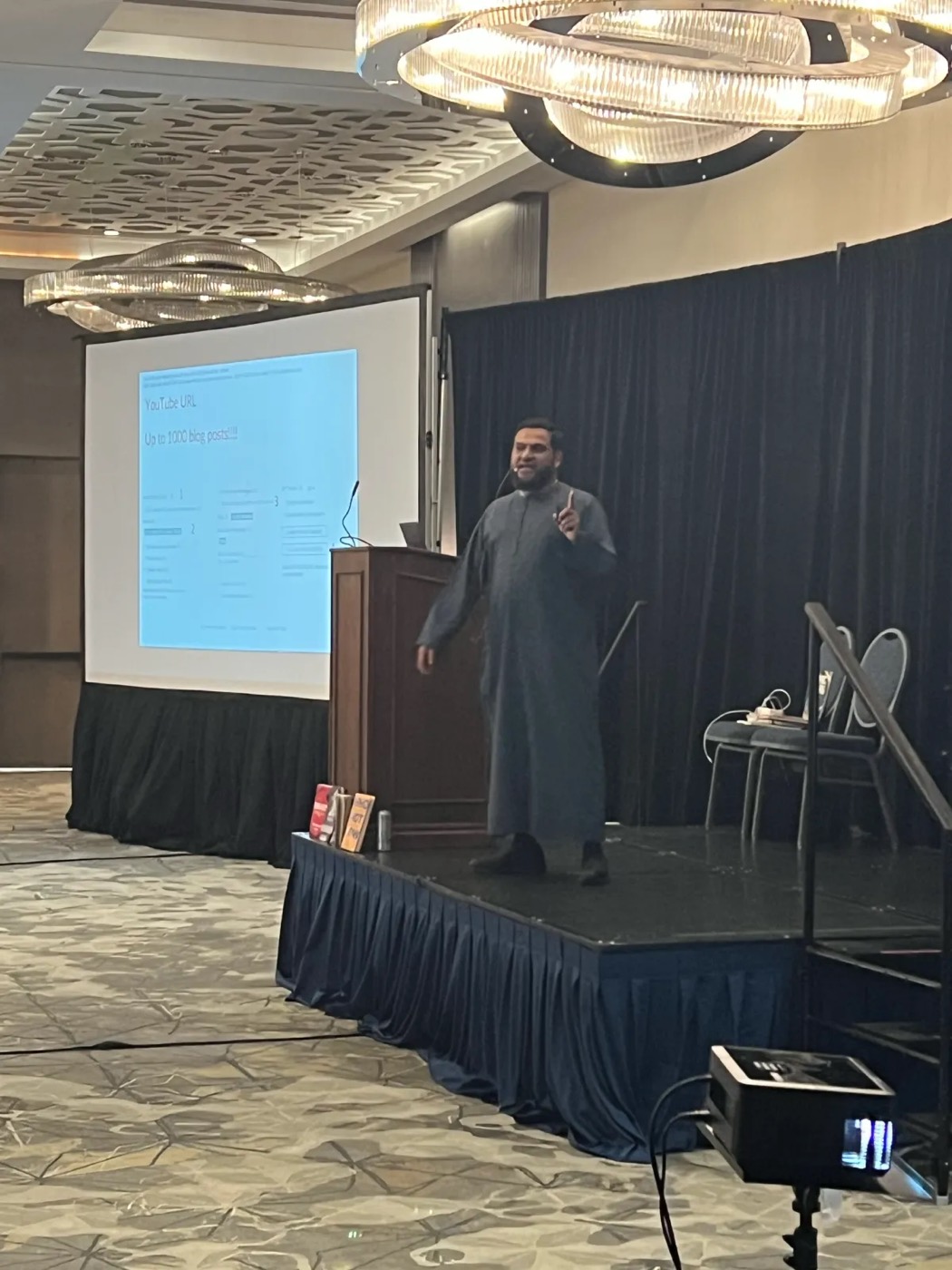
Your host
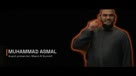
Founder, Asmal Digital
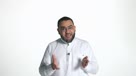
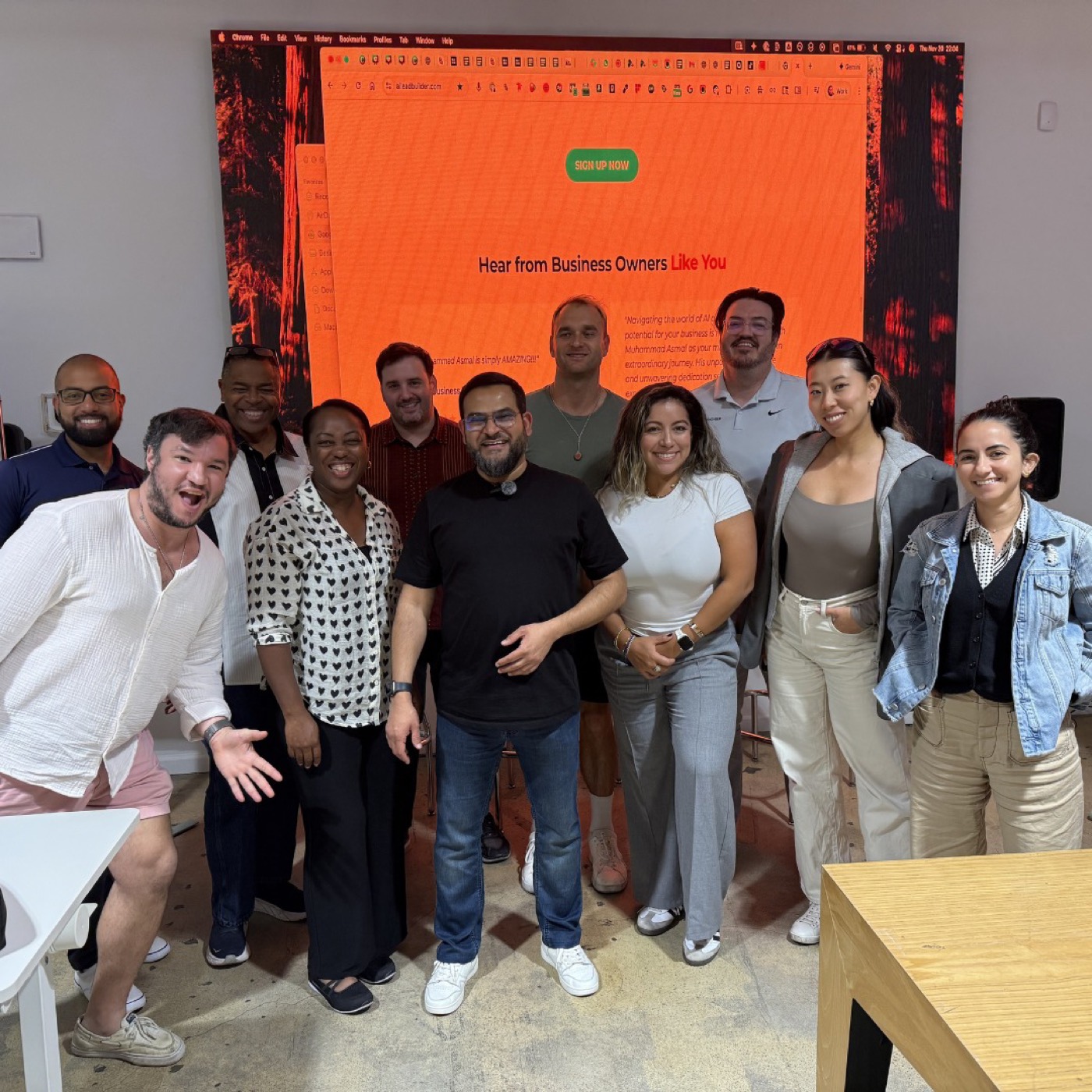
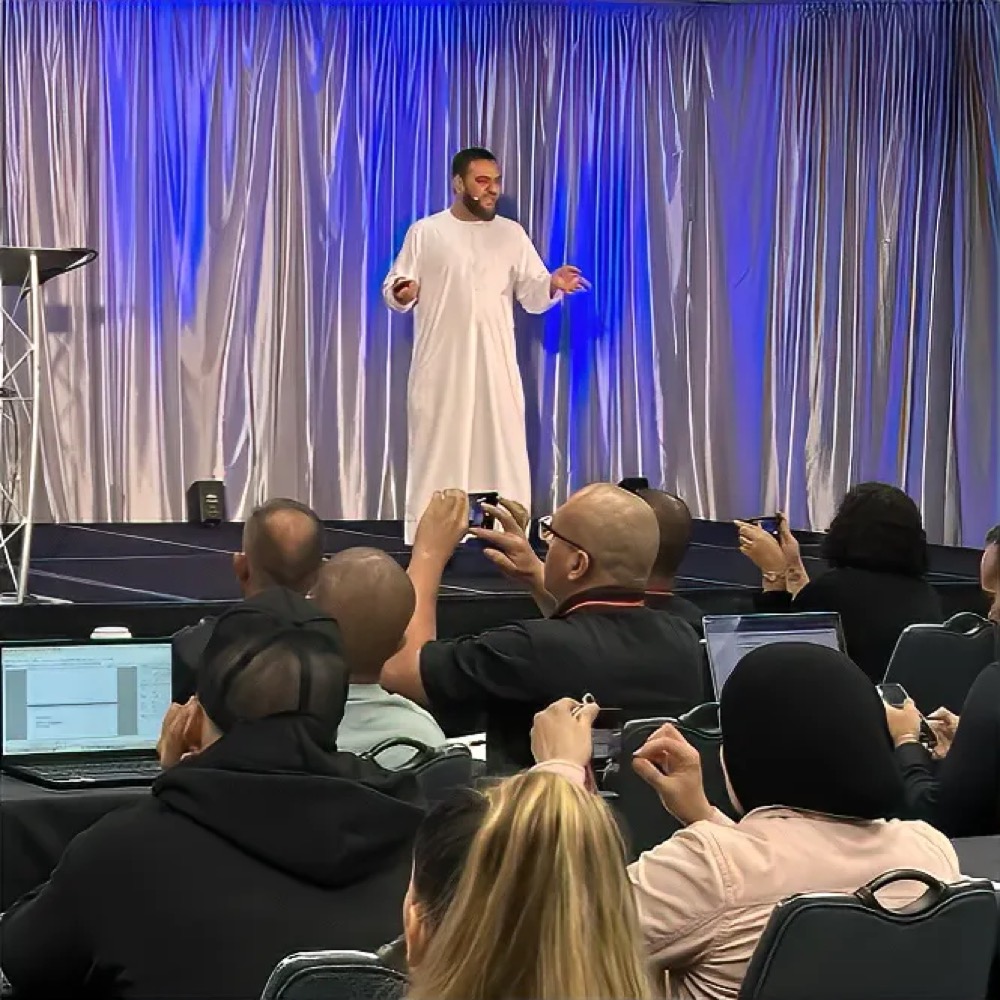
Muhammad has worked in digital marketing since 2013 and with AI tools since 2018. He teaches the way he works: build it live, on real material, until it runs.
Reviews
“He has blown everybody out of the water... a level 100 out of 100 recommendation from me.
John Assaraf
“In 90 minutes you solved a significant bottleneck I had in getting my creativity live.
Kamin Samuel, PhD · Attendee
Made for people who edit video
Before you book
No. We walk through every step. If you complete the setup before the day, you run it yourself in the room. If not, you follow along and set it up afterwards with the playbook.
Any video you want edited: your own or a client's, filmed on a phone at home or on a cinema camera. No footage? We'll have sample footage for you to work on.
One thing: a paid Claude plan (Pro or higher). That is the only requirement.
Come anyway. You follow along live, and the playbook takes you through setup afterwards at your own pace.
Light House Studio, Corner 22 & 27 Street, Al Quoz 3, Dubai. Free parking on site. Open in Google Maps
Pay online by card and your seat is confirmed straight away. Prefer to talk first? Message us on WhatsApp or email info@lighthouse.ae.
The refund and cancellation policy will be published here before bookings open. Questions? WhatsApp +971 4 341 9697.
Limited seats
This takes a few seconds. Please don't close this page.
Light House Studio
Corner 22 & 27 Street, Al Quoz 3
Dubai, UAE · Free parking on site
Refreshments are included.